Project Automation

Every project
on track. Every deadline met.

AutomO creates tasks from emails, CRM events, and forms — then manages deadlines automatically. Kanban boards, deadline escalation, and team notifications, all in one place.
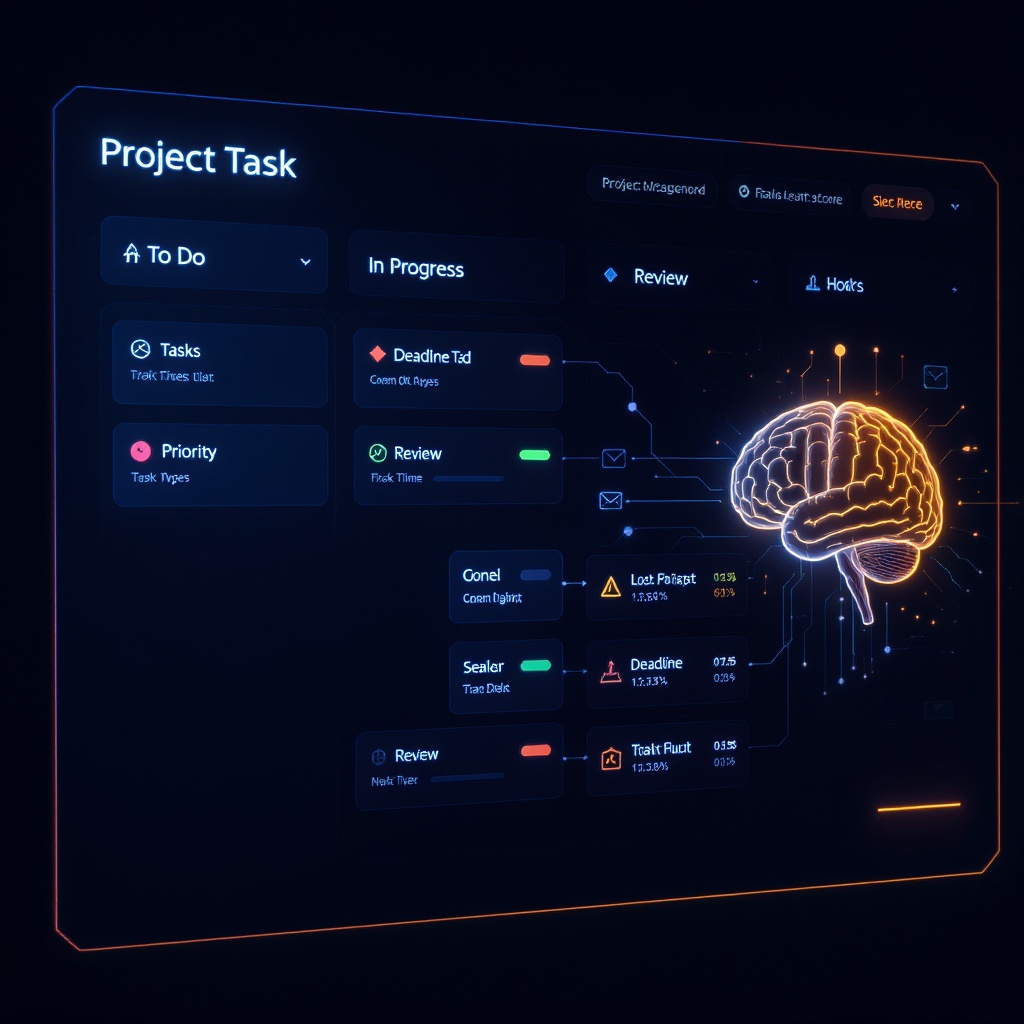
Project automation kanban and deadline dashboard
3 deadlines today
12 tasks created
📊 Health 84/100

Tasks that create themselves. Deadlines that enforce themselves.

Automatic Task Creation
Tasks are created automatically from triggers: email received, CRM stage change, Calendly booking, form submission. No more manual entry — the work arrives and AutomO assigns it.
Email trigger CRM events Forms
Deadline Escalation
24-hour warning email. 1-hour reminder. Overdue auto-escalation to manager. AutomO never lets a deadline slip — the system enforces it, not your memory.
24hr warning Auto-escalation
📋
Kanban Board
To Do → In Progress → Review → Done. Drag-free — AutomO moves tasks based on trigger events and user actions. Real-time board, always current, visible to the whole team.
4 stages Real-time
🧠
AI Project Health Score
AI scores every project 0-100 based on on-time %, open blockers, workload distribution, and deadline proximity. Flag at-risk projects before they become crises.
0-100 score At-risk flag
📧
Team Notification Rules
Build rule engine: IF priority=High THEN Slack DM assignee. IF deadline=tomorrow THEN email team lead. Rules trigger automatically — no manual flagging required.
Rule engine Slack + Email
🔗
Full Audit Trail
Every task has a complete history: created, assigned, moved, updated, completed. Who did what and when — full transparency for accountability and project reviews.
History log Accountability

Up and running in under an hour

01

Set up your triggers

Define what events create tasks: incoming email with specific subject, CRM deal advancing to Demo, Calendly meeting booked, form submission. AutomO monitors every source in real time.

02

AI creates and assigns tasks

When a trigger fires, AutomO creates a task with a description, assigns it to the right person, and sets a deadline. AI extracts key info from the trigger event — no manual task creation needed.

03

Deadlines are auto-managed

24 hours before deadline → warning email. 1 hour before → reminder. After deadline → auto-escalation to manager. You run projects, not deadline nagging. The system enforces accountability.

Connects to your entire stack

📧
Email Triggers
AutomO monitors your inbox for emails matching specific criteria and automatically creates tasks with the email content attached. Never lose track of an action item from an email again.
✓ Enabled
📊
CRM Events
When a CRM deal advances to a new stage, AutomO creates a follow-up task assigned to the right rep. Every stage change = automated task creation.
✓ Enabled
📅
Asana
Two-way sync with Asana. Tasks created in AutomO appear in Asana. Tasks completed in Asana update AutomO. OAuth connection — connect in 2 clicks.
OAuth Setup
📊
Monday.com
Sync AutomO tasks with your Monday.com boards. Status updates, priority changes, and deadline shifts flow both ways automatically.
OAuth Setup

Simple, scalable pricing

Project Starter
$149/mo
billed monthly
  • 50 active tasks
  • Email and form triggers
  • Kanban board (4 stages)
  • Deadline warning emails
  • 1 team member
  • Basic analytics
Get Started
Project Scale
$349/mo
billed monthly
  • Everything in Growth
  • Asana + Monday.com OAuth sync
  • Custom notification rules
  • API access + webhooks
  • Unlimited team members
  • Priority support
Contact Sales

Common answers

How does automatic task creation work?
You configure triggers: emails with certain keywords, CRM stage changes, Calendly bookings, or form submissions. When a trigger fires, AutomO creates a task with a description (AI extracts key info), assigns it to the right person, and sets a deadline. No manual creation required.
What is deadline escalation?
AutomO sends a 24-hour warning email before any deadline, a 1-hour reminder, and auto-escalates overdue tasks to the manager. The system enforces deadlines — not your memory or your team's guilt.
How does the AI project health score work?
AI analyzes each project on: on-time % completion, number of open blockers, workload distribution across team members, and proximity to upcoming deadlines. Generates a 0-100 score with at-risk flags so you can intervene before projects go off the rails.
Can AutomO sync with Asana or Monday.com?
Yes. Scale plan includes full OAuth sync with both Asana and Monday.com. Tasks created in AutomO appear on your Asana/Monday boards and vice versa. Status changes sync automatically.
What are team notification rules?
Build IF/THEN rules: IF priority=High THEN Slack DM assignee. IF deadline=tomorrow AND assignee hasn't updated THEN email team lead. Rules trigger automatically — no manual flagging or chasing required.

Every project on track. Every deadline met.

AutomO creates tasks, assigns them, and enforces deadlines automatically. Your team focuses on work, not admin.

Open Project Dashboard →
Auto
Task creation
24hr
Deadline warning
AI
Health scoring